

维护咨询 大模型部署 问题解决 技能定制 大模型训练
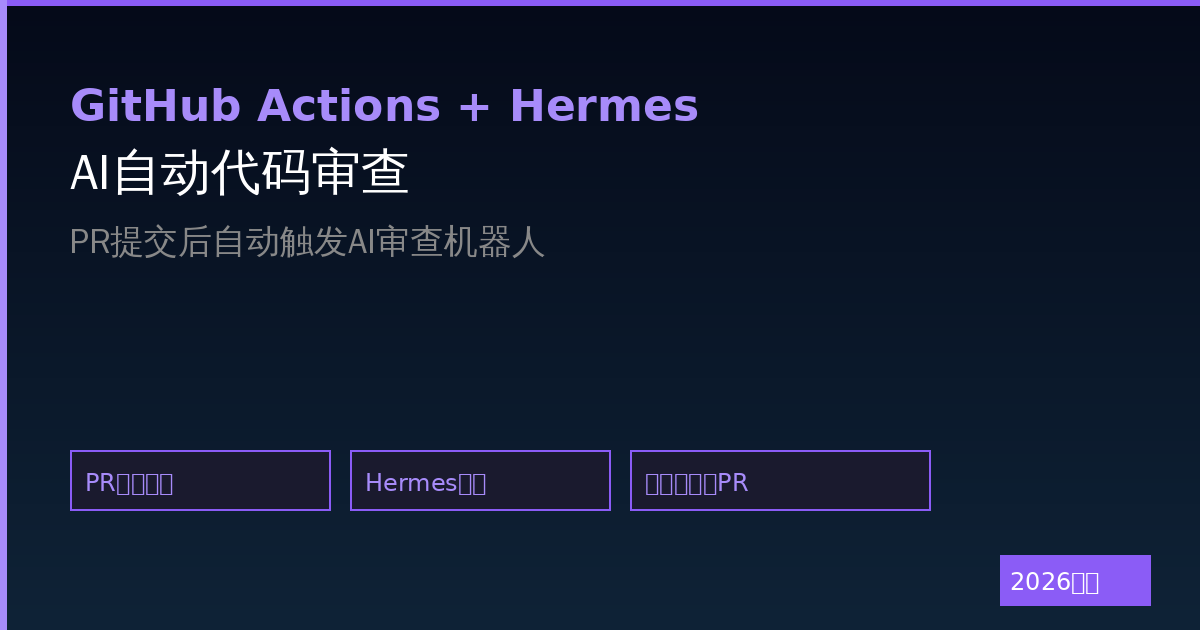
每次代码提交都要人工review,太费时间?让Hermes Agent接入GitHub Actions,PR提交后自动跑AI代码审查。
本文讲清楚怎么配置,从GitHub配置到Actions YAML到Hermes Agent对接,全部搞定。
## 工作流程
开发者提交PR
    ↓
GitHub触发Actions
    ↓
Actions调用Hermes Agent API
    ↓
Agent审查代码
    ↓
审查结果评论到PR
    ↓
通知开发者
整个流程自动化,不需要人工介入。
—
## 第一步:配置GitHub Personal Access Token
1. GitHub → Settings → Developer settings → Personal access tokens → Tokens (classic)
2. 点击 Generate new token (classic)
3. 勾选权限:
– repo (全部)
– workflow
– read:org
4. 生成并保存token(只显示一次)
—
## 第二步:配置Hermes API
确保Hermes的Messaging Gateway或API可访问。
用Docker启动带API的Hermes:
docker run -d \
  --name hermes-agent \
  -p 8080:8080 \
  -v ~/.hermes:/root/.hermes \
  -e HERMES_API_ENABLED=true \
  -e HERMES_API_PORT=8080 \
  -e HERMES_API_KEY=your-secret-key \
  hermes-agent:latest
测试API是否可用:
curl -X POST http://localhost:8080/api/chat \
  -H "Authorization: Bearer your-secret-key" \
  -H "Content-Type: application/json" \
  -d '{"message": "hello"}'
—
## 第三步:创建GitHub Actions Workflow
在仓库创建 .github/workflows/code-review.yml:
name: AI Code Review

on:
  pull_request:
    types: [opened, synchronize]
  push:
    branches: [main, develop]

jobs:
  code-review:
    runs-on: ubuntu-latest
    permissions:
      contents: read
      pull-requests: write

    steps:
      - name: Checkout code
        uses: actions/checkout@v4
        with:
          fetch-depth: 0

      - name: Get PR info
        id: pr
        run: |
          echo "PR_NUMBER=${{ github.event.pull_request.number }}" >> $GITHUB_OUTPUT
          echo "PR_BODY=${{ github.event.pull_request.body }}" >> $GITHUB_OUTPUT
          echo "PR_TITLE=${{ github.event.pull_request.title }}" >> $GITHUB_OUTPUT

      - name: Run AI Code Review
        env:
          HERMES_API_KEY: ${{ secrets.HERMES_API_KEY }}
          PR_NUMBER: ${{ github.event.pull_request.number }}
          REPO: ${{ github.repository }}
        run: |
          # 获取PR的代码变更
          CHANGES=$(git diff origin/${{ github.base_ref }}...HEAD -- '*.py' '*.js' '*.ts')

          # 调用Hermes API进行代码审查
          RESPONSE=$(curl -s -X POST http://your-hermes-server:8080/api/chat \
            -H "Authorization: Bearer $HERMES_API_KEY" \
            -H "Content-Type: application/json" \
            -d "{
              \"message\": \"你是一个资深代码审查专家。请审查以下代码变更,找出潜在问题:\\n$CHANGES\",
              \"context\": \"PR编号: $PR_NUMBER\\n仓库: $REPO\"
            }")

          # 提取AI审查结果
          REVIEW_RESULT=$(echo $RESPONSE | jq -r '.response')

          # 将审查结果评论到PR
          curl -s -X POST https://api.github.com/repos/$REPO/issues/$PR_NUMBER/comments \
            -H "Authorization: token ${{ secrets.GITHUB_TOKEN }}" \
            -H "Content-Type: application/json" \
            -d "{\"body\": \"## AI Code Review\\n\\n$REVIEW_RESULT\"}"

      - name: Report failure
        if: failure()
        run: |
          echo "AI审查服务调用失败,请人工审查代码"
—
## 第四步:添加GitHub Secrets
1. 仓库 → Settings → Secrets and variables → Actions
2. 添加 secrets:
– HERMES_API_KEY:你的Hermes API密钥
– 如果用远程Hermes服务器:HERMES_API_URL
—
## 第五步:测试
提交一个测试PR,看Actions是否触发,PR里是否有AI审查评论。
常见问题排查:
# Actions没触发
→ 检查workflow文件名和路径是否正确
→ 检查on事件配置

# PR没评论
→ 检查GITHUB_TOKEN权限是否有pull-requests: write
→ 检查API是否返回正确格式

# API调用失败
→ 确认Hermes服务器可从GitHub Actions访问
→ 检查API_KEY是否正确
—
## 进阶:配置审查规则
可以配置只审查特定类型的文件:
on:
  pull_request:
    types: [opened, synchronize]
    paths:
      - '**.py'      # 只审查Python
      - '**.js'      # 只审查JavaScript
      - '**.ts'      # 只审查TypeScript
      - '!*.test.js' # 排除测试文件
      - '!node_modules/**'
—
## 进阶:按PR重要性分流
jobs:
  quick-review:
    if: github.event.pull_request.draft == true
    runs-on: ubuntu-latest
    steps:
      - name: Quick review for draft PR
        run: echo "草稿PR,简单审查"

  full-review:
    if: github.event.pull_request.draft == false
    runs-on: ubuntu-latest
    steps:
      - name: Full code review
        run: ...完整审查流程...
—
## 常见问题
Q:免费GitHub Actions时间够用吗?
A:个人仓库每月2000分钟,足够日常使用。如果不够可以开GitHub Pro($4/月)或用组织仓库。
Q:API调用有延迟怎么办?
A:可以在Actions里加超时配置,或者用异步方式——PR提交后立即返回,审查结果异步评论到PR。
Q:能审查其他语言吗?
A:只要在paths配置里加上对应扩展名就行。Hermes支持所有主流编程语言。
Q:API费用怎么算?
A:GitHub Actions免费时间用完按分钟收费。Hermes API调用费用取决于你用的模型。
—
## 相关文章
暂无评论内容